Turn an idea intoa machineembroidery file.
Start with your own artwork, or describe an idea to create an illustration in our Ignite Wonder Club style. Turn it into stitches, adjust your design, and download your machine file.
What can I make and download?
- Make it your own. Upload artwork or use the AI illustration tool. Adjust the size, thread colors and individual parts of your design.
- See the stitches. View a stitch preview and play the stitch simulation before downloading.
- Take it to your machine. Export PES, PEC, DST, EXP, JEF, VP3 or XXX. Choose the file type your machine supports.
- Keep a guide. Download a PDF with size details, thread order and stitching steps, plus PNG preview images.
- Come back to it. Save your project and open it again to keep working.
From artwork to a stitch preview
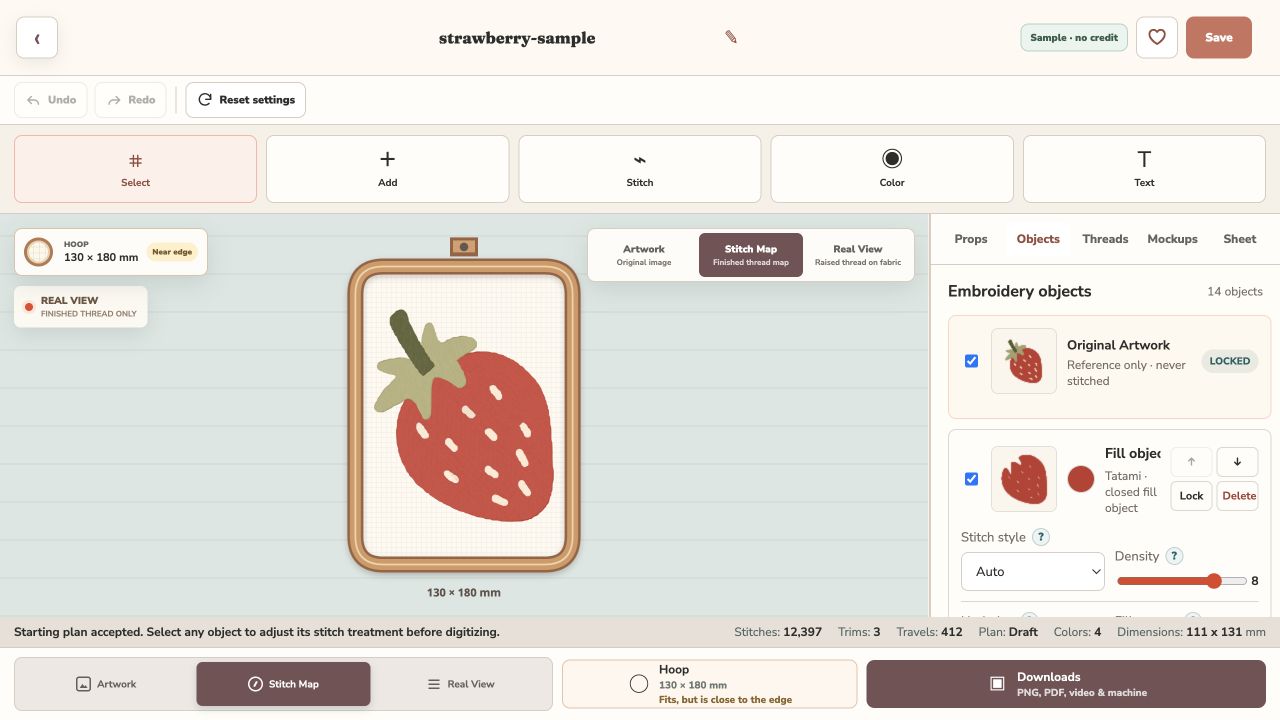 Sample Studio editor screenshot

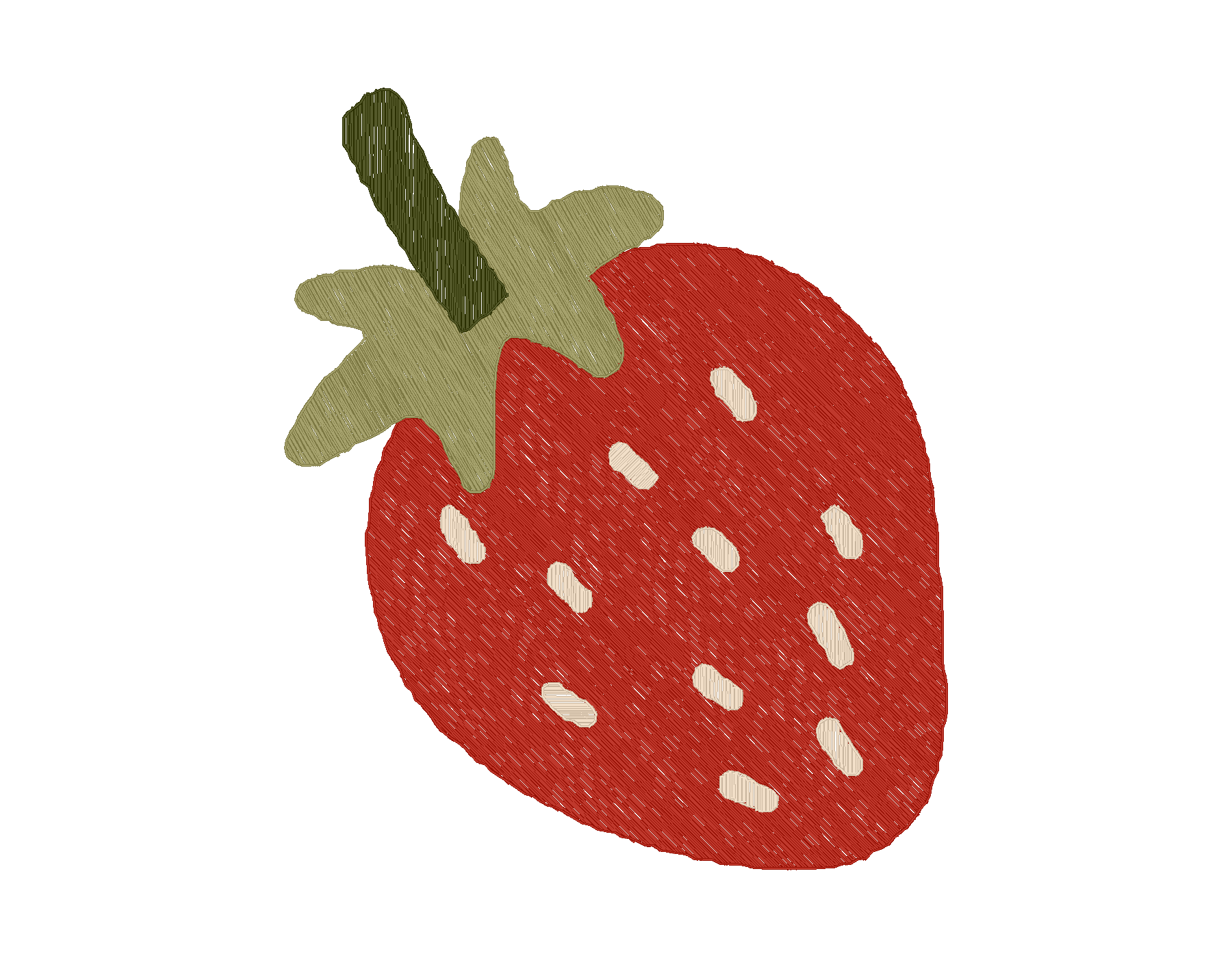
Shop 99¢ embroidery designs
Want a design that’s ready to stitch? Pick a design, choose your size and file type, and download it. You don’t need Studio to shop.
99¢ per selected size and file type. A PDF guide is included.
Browse all embroidery designsMore making.Less getting overwhelmed.
Explore an idea, enjoy making it your own, and learn as you go.
Pricing and a public opening date haven’t been announced.
Your idea, step by step
Describe your idea
Start with a simple idea in your own words.
Explore and adjust
See artwork ideas and make choices for your project.
Prepare to make
See how your design may look in stitches.
Made for original ideas.
Use your own ideas and material you have permission to use.
A little more about creative rights
Requests to copy protected characters, brand logos or someone else’s artwork without permission aren’t allowed. Review generated results before using or selling them; generation is not a rights clearance.
Check the terms that apply to the output and any reference material. Our shop designs have their own design license.